
Bedrock Chunk Visualizer
See the chunk borders while you build, with slime chunks marked.
Screenshots
Overview
Mob farms, iron farms, slime farms, hopper lines that stop at one particular block: so much of technical Minecraft depends on chunk borders, and Bedrock Edition doesn't show them. You end up dividing coordinates by 16 in your head, and building the farm one block over the line.
Bedrock Chunk Visualizer draws the grid for you. Use any compass (no renaming, no commands) and switch the borders on: your chunk is outlined with one grid square per block, the eight chunks around it are outlined too, and brighter posts mark the corners. The borders stay up when you put the compass away, so you can build with them on, and the grid follows you as you cross from chunk to chunk.
Big floating N, E, S and W letters on the walls of your chunk turn to face you and show through terrain, so you always know which way you're facing, even underground. Turn on chunk labels and every chunk around you shows its coordinates, with slime chunks marked. The info bar above your hotbar shows the dimension, the biome you're in, your chunk, whether it's a slime chunk, and which way you're facing.
The menu applies every change the moment you make it. Pick from three colour schemes (Classic, Colour-blind friendly and Subtle) and set the brightness. Everything is per player: nobody else sees your borders, and your settings are saved between sessions.
Version 1.3.0 brings the new menu, chunk labels and slime chunks, big compass letters, colour schemes, new see-through border textures, and borders that no longer blink or flash as they refresh.
Features
- Any compass opens the menu: no renaming, no commands
- Borders stay up while you build
- Your chunk outlined block by block, plus the eight chunks around it
- Corner posts mark the corners of each chunk
- Big N/E/S/W letters that face you and show through terrain
- Chunk labels with slime chunks marked
- Live info bar: dimension, biome, chunk, slime chunk and facing
- Three colour schemes, including colour-blind friendly, and a brightness slider
- Changes apply the moment you make them
- Smooth animated or still borders
- Per player: nobody else sees your borders, and settings are saved
- Works in the Overworld, the Nether and the End
- No experimental toggles required
How to install
- Download the .mcaddon from CurseForge and open it with Minecraft to import both packs.
- Add the BedrockChunkVisualizer behavior pack to your world; its resource pack switches on with it.
- No experimental toggles are required.
- Enter the world and use any compass to open the menu, then switch on the borders.
Changelog
-
v1.3.0 Latest
New
- New settings menu built with Minecraft's data-driven forms. Changes apply the moment you make them, with no Apply button, and options that need borders on are greyed out while they're off
- Chunk labels (off by default): the coordinates of the eight chunks around you float over each one, seen through terrain
- Slime chunks are marked on the chunk labels and in the info bar
- Three colour schemes: Classic (yellow and red), Colour-blind friendly (blue and orange) and Subtle (white and grey). The compass letters follow the scheme too
- Brightness slider, 25% to 100%, for a quieter grid that's easier to build through
Changed
- The N/E/S/W markers are now big floating letters instead of particles, coloured by your colour scheme. They turn to face you, show through terrain, and follow you as you climb or dig
- New border textures: neutral grey so every colour scheme shows its true colour, darker squares so the grid lines stand out and you can see through the walls, and brighter posts marking the chunk corners. The grid itself is unchanged: one square per block on your chunk, one per two blocks around it
- The animated borders scroll smoothly instead of stepping at 16 frames a second
- Borders refresh every second instead of every 3 seconds
- Requires Minecraft 1.26.50 or newer (Script API
@minecraft/server2.10.0 and@minecraft/server-ui2.2.0)
Fixed
- Borders blinked, flashed or jumped every time they refreshed. Each refresh now fades smoothly into the next, and the scrolling carries on where it was instead of restarting
- After crossing into a new chunk, the old outline stayed on top of the new one for up to 3 seconds. It now fades out within a second and a half
Upgrading from 1.2.0
- Your settings are kept. The new options start at their defaults: chunk labels off, Classic colours, 100% brightness
- Compasses named "chunky" or "stillchunky" still work, like any other compass
Works with Minecraft Bedrock 1.26.50+
-
v1.2.0
Added
- Persistent per-player settings menu
- Optional animated borders and direction markers
- Live chunk information bar
- Immediate border redraw when crossing chunk boundaries
- Borders remain visible without holding a compass
Works with Minecraft Bedrock 1.21.120+
-
v1.1.1
Fixed
- Particle spawn height increased from 64 to 128 to fix particles not rendering correctly with Vibrant Visuals enabled
Works with Minecraft Bedrock 1.21.130+
-
v1.1.0
Added
- Direction indicators on chunk borders - each wall of your current chunk now displays N, S, E, or W so you always know which way you're facing
- Each direction has its own colour for easy identification at a glance
Works with Minecraft Bedrock 1.21.130+
-
v1.0.1
Updated to support Minecraft Bedrock 1.21.130 - Mounts of Mayhem
Added
- New option to disable chunk border animations - rename your compass to "stillchunky" to show non-animated chunk borders for improved performance or visual preference
Works with Minecraft Bedrock 1.21.130+
-
v1.0.0
Initial release with core functionality
- Visual chunk borders with animated particles
- Current chunk highlighting in yellow
- Surrounding 8 chunks display in red
- Item-based activation using compass named "chunky"
- Player-specific display system
- Real-time chunk coordinates in action bar
- 16-frame animated particle effects
- No experimental features required - uses stable Script API
Works with Minecraft Bedrock 1.21.0+
Keep exploring
More projects

BedrockAdvancements
Every Java advancement on Bedrock, and a no-code creator for your own.
Bedrock Dynamic Lights
The most advanced dynamic lighting add-on ever made for Bedrock: hold it, drop it, throw it or set it alight, and it glows, in colour with Vibrant Visuals.
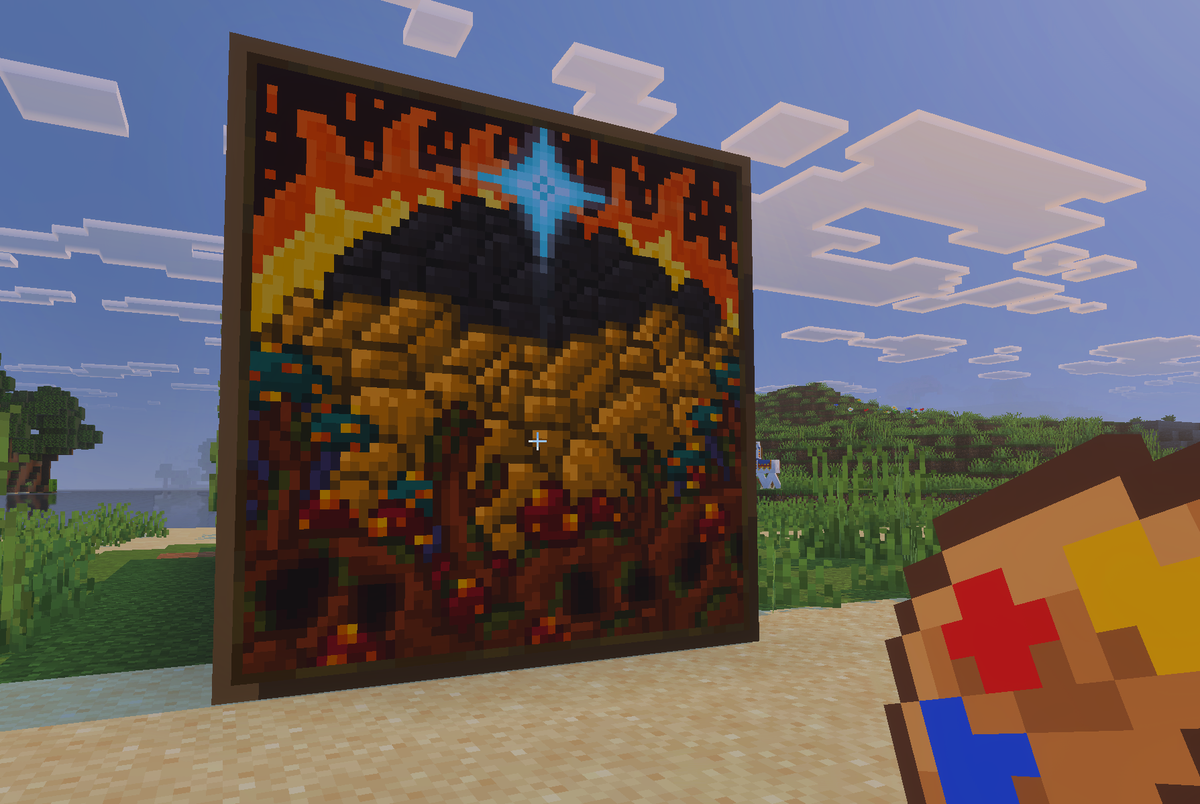
Actual Custom Paintings
Your pictures, hanging on your walls in Minecraft.