
Bedrock Holobuild
The hologram building add-on for Minecraft Bedrock: save any build, then build a copy anywhere, guided by holograms.
Screenshots
Overview
Holobuild turns any build into a blueprint, then puts a full-size hologram of it wherever you want: every block in its real shape and texture, floating exactly where it goes. You fill in the ghosts, one layer at a time.
Hold the Holo Wand and the build projects out of it: streams of light pour from the tip and the whole build rises out of the ground as a glowing blue wireframe, a layer at a time. The layer you're on shows in real blocks and textures, the rest as a wireframe, so you always see the shape of the whole thing. Show just this layer, every layer up to here, or the whole build.
Save a build by using the Holo Wand on two opposite corners: the box fits itself to the build and measures its own height, buttons beside it grow or shrink each side, and a scan of light and a burst of stars mark it saved. Anything saved with a structure block, /structure or another add-on can become a blueprint too, and five starter blueprints come built in, from a Market Stall to a Starter's Refuge.
Pick a blueprint and a copy appears in front of you. Punch the buttons beside it to move it, raise and lower it, turn it, mirror it (every stair and door faces the mirrored way), or fly the camera round it. A punch is a click, a tap or a trigger, so it works on every device.
While you build, the next block you can place has a yellow outline, wrong blocks are outlined in red, blocks facing the wrong way in orange and extra blocks in purple, and beams of light mark the last few. The side panel shows your progress, the next block and which way it is, and what the layer still needs. Build by hand (blocks turn to fit), with Easy Place, by placing from your inventory just by looking, or let the Printer build it from the chests nearby, the blocks flying into place. What do I need? counts your inventory, the chests nearby and your friends', and the wand on a chest takes out what your layer needs.
Anyone can join a build and everyone who helps is named when it's done. Operators get Admin settings: who can use Holobuild and a switch for every feature, hidden from players when off. They can place a whole blueprint at once and undo it. Blueprints live inside the world, so there are no packs to make and no restarts; with BedrockRelay they go in and out through the dashboard and Discord follows every build live, and single-player worlds can swap blueprints at holobuild.bedrockrelay.com.
Features
- Full-size holograms with real block shapes and textures, a layer at a time
- The Holo Wand projects the build: a glowing blue wireframe rising a layer at a time
- See this layer, everything up to here, or the whole build at once
- Save any build up to 64 × 64 × 64 with two uses of the wand: the box fits itself
- Move, turn, mirror and fly round a copy with buttons you punch, on any device
- Next block outlined in yellow, wrong blocks in red, wrong-facing in orange, extras in purple
- Build by hand, Easy Place, place from your inventory, or let the Printer build it
- The Printer: blocks fly out of the chests and into place, layer by layer
- What do I need?, the wand on a chest, and refilling from chests nearby
- Side panel: progress, the next block and which way it is, what the layer needs
- Build together: anyone can join, everyone is credited
- Admin settings for operators: who can use it, and a switch for every feature
- Blueprints live in the world: no packs, no restarts
- BedrockRelay: blueprints in and out from the dashboard, live Discord build cards
- Five starter blueprints, and any saved structure as a blueprint
- 29 languages; Vibrant Visuals; no experimental toggles; achievement friendly
How to install
- Download the .mcaddon from CurseForge and open it with Minecraft to import both packs.
- Add the Bedrock Holobuild behavior pack to your world; its resource pack switches on with it.
- No experimental toggles are required. Needs Minecraft Bedrock 1.26.60 or newer.
- Type /holobuild, or craft a Holo Wand (glass, a gold ingot and a stick, top to bottom) and use it.
- Open Blueprints, pick the Oak Starter House and choose Build a copy.
Keep exploring
More projects

BedrockAdvancements
Every Java advancement on Bedrock, and a no-code creator for your own.
Bedrock Dynamic Lights
The most advanced dynamic lighting add-on ever made for Bedrock: hold it, drop it, throw it or set it alight, and it glows, in colour with Vibrant Visuals.
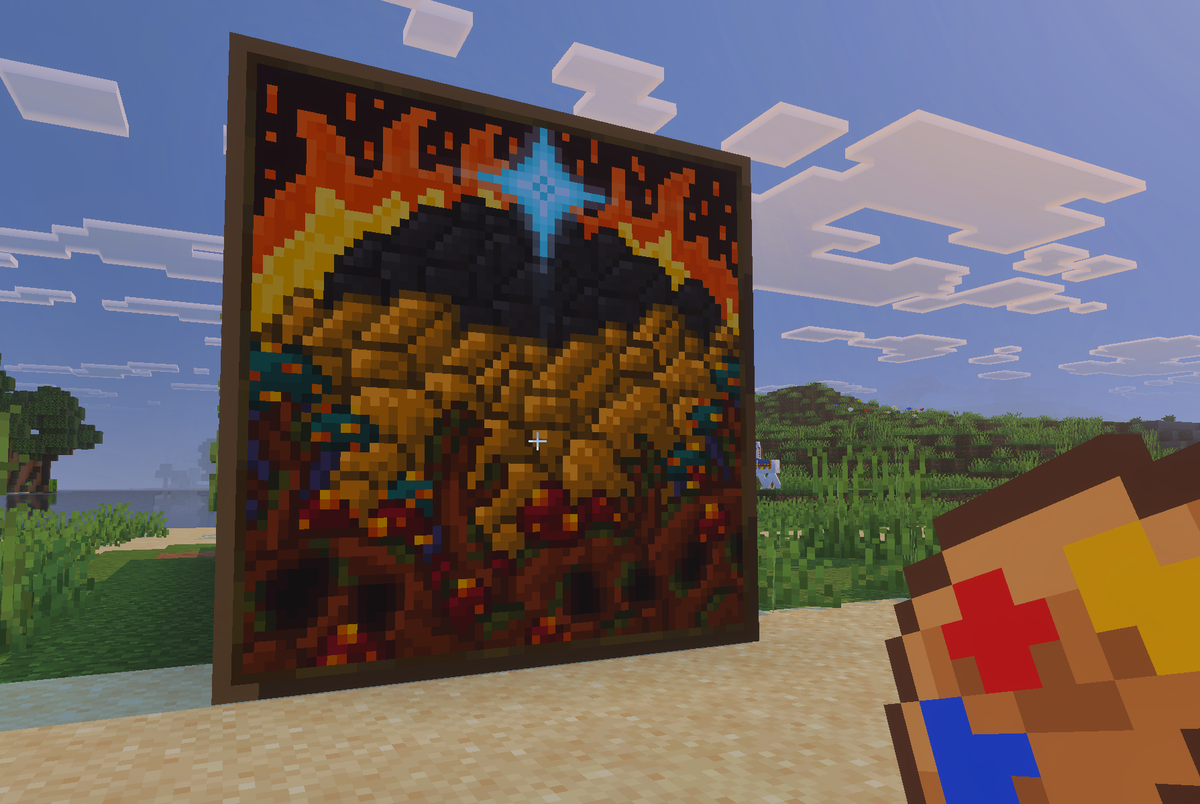
Actual Custom Paintings
Your pictures, hanging on your walls in Minecraft.